A valuable attribute of the Ember framework is its use of Semantic Versioning to aid projects in keeping up with changes to the framework. Before any functionality or API is removed it first goes through a deprecation period where the functionality is still supported, but usage of it generates a warning logged to the browser console. These warnings can pile up between major releases to a point where the amount of deprecation warnings that scroll through the console becomes overwhelming.
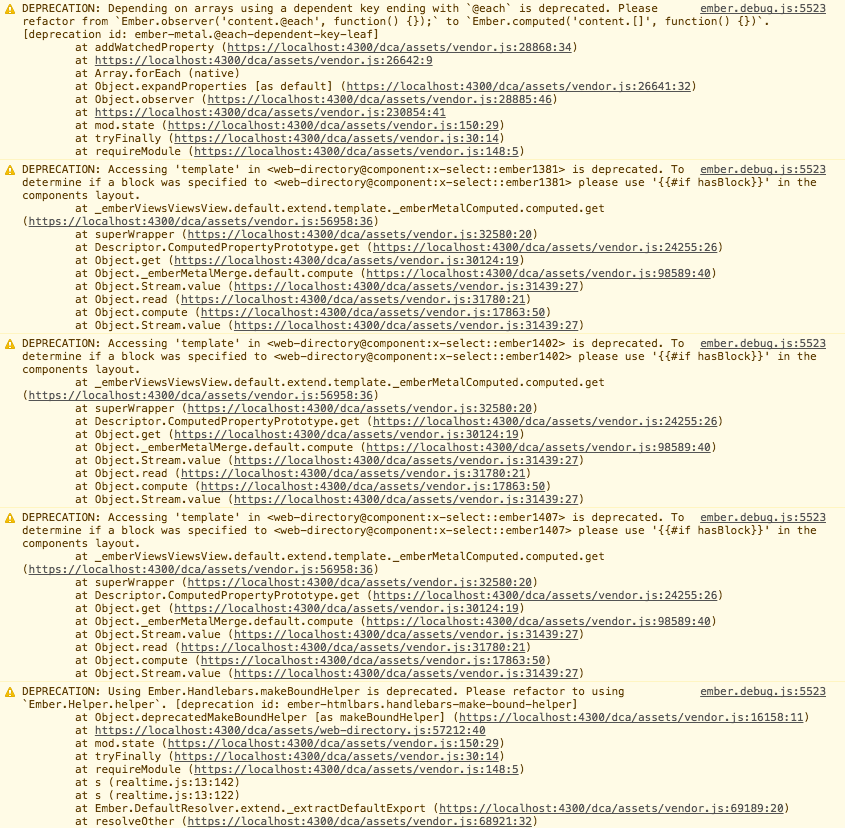
Fortunately, Ember provides a way for projects to deal with deprecations in an organized and efficient manner.
Deprecation Workflow
The default application blueprint includes the ember-cli-depprecation-workflow addon. The file app/deprecation-workflow.js contains configuration for managing which deprecations you prefer to silence, log, or throw.
The recommended strategy is:
- Run your full test suite to exercise as much of your application as possible. Then run
deprecationWorkflow.flushDeprecations()to generate a list you can paste intoapp/deprecation-workflow.js. - For any deprecations that you're not ready to address yet, you can temporarily set them to
silence. - Deprecations that you're actively fixing can be set to
log. - Once you've cleared a particular deprecation, set it to
throwso it won't sneak back into your codebase. - Review your deprecation-workflow before attempting a major upgrade of Ember (silenced deprecations are still there and your app will likely break on the next major if you don't actually fix them!).